Using Zoom with Tuii
This article has been created to assist users with connecting Zoom to Tuii to facilitate Virtual lessons.
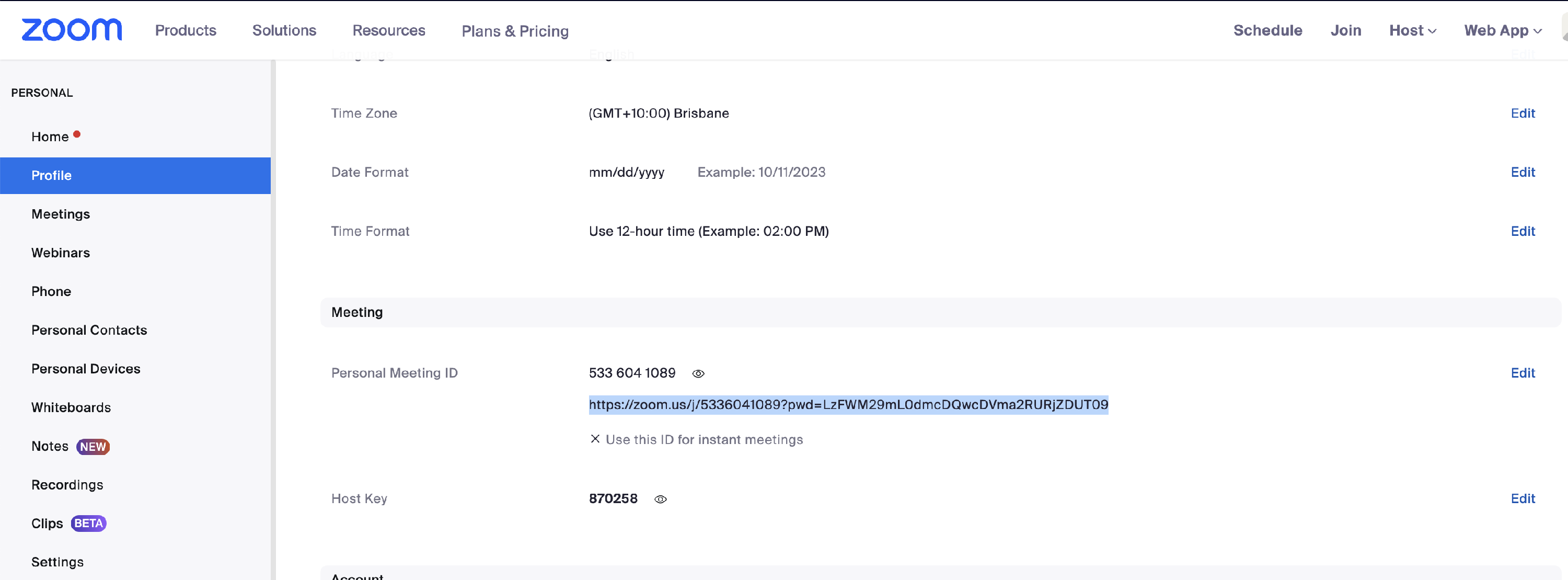
Step 1 - How to get your Zoom personal meeting ID
To connect your Zoom account to Tuii you will need to use your Personal Meeting ID URL. To find this, login to Zoom online and navigate to the Profile section and scroll down to the section titled "Meeting".
Step 2 - How to add Zoom to Tuii
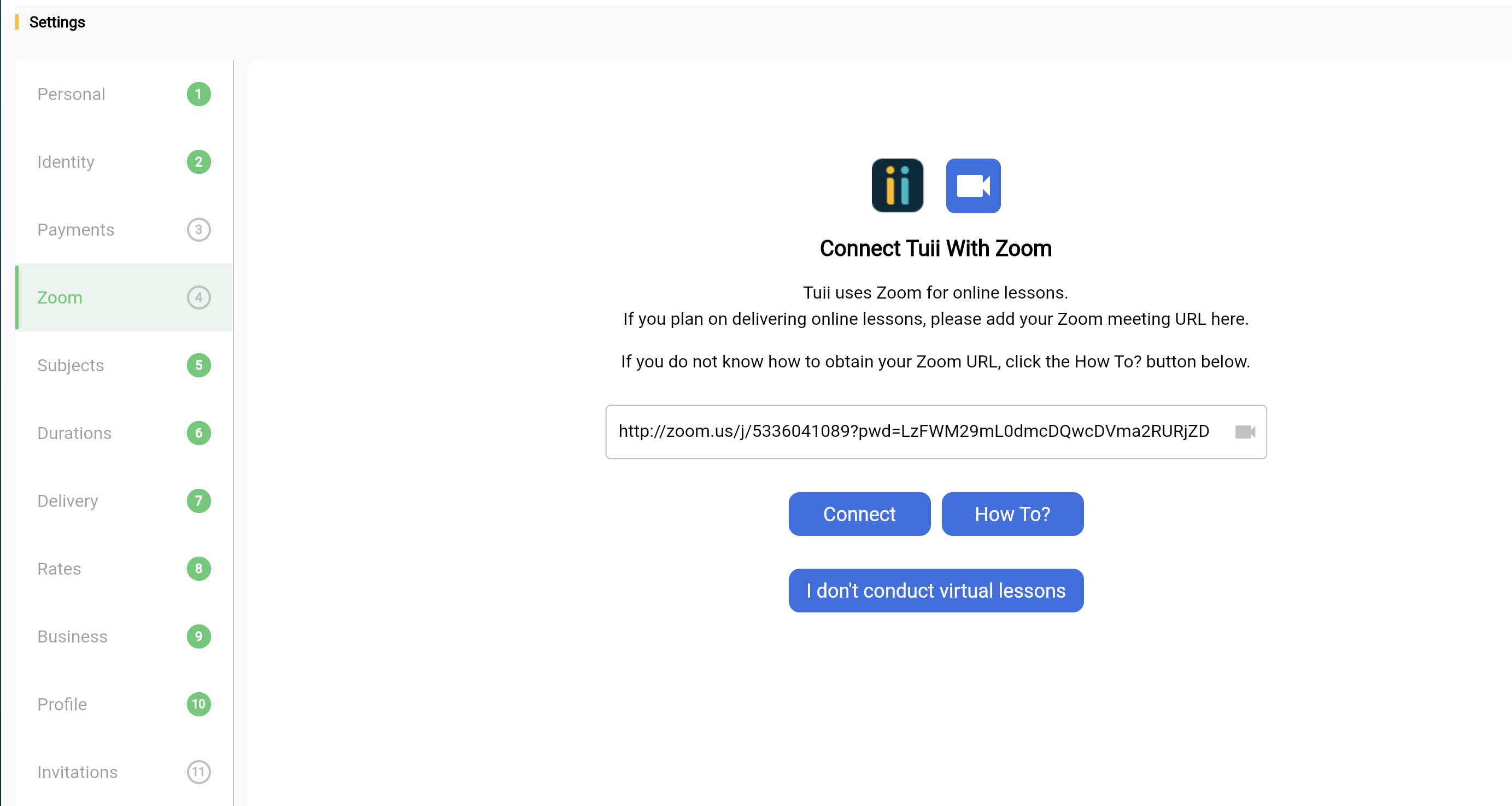
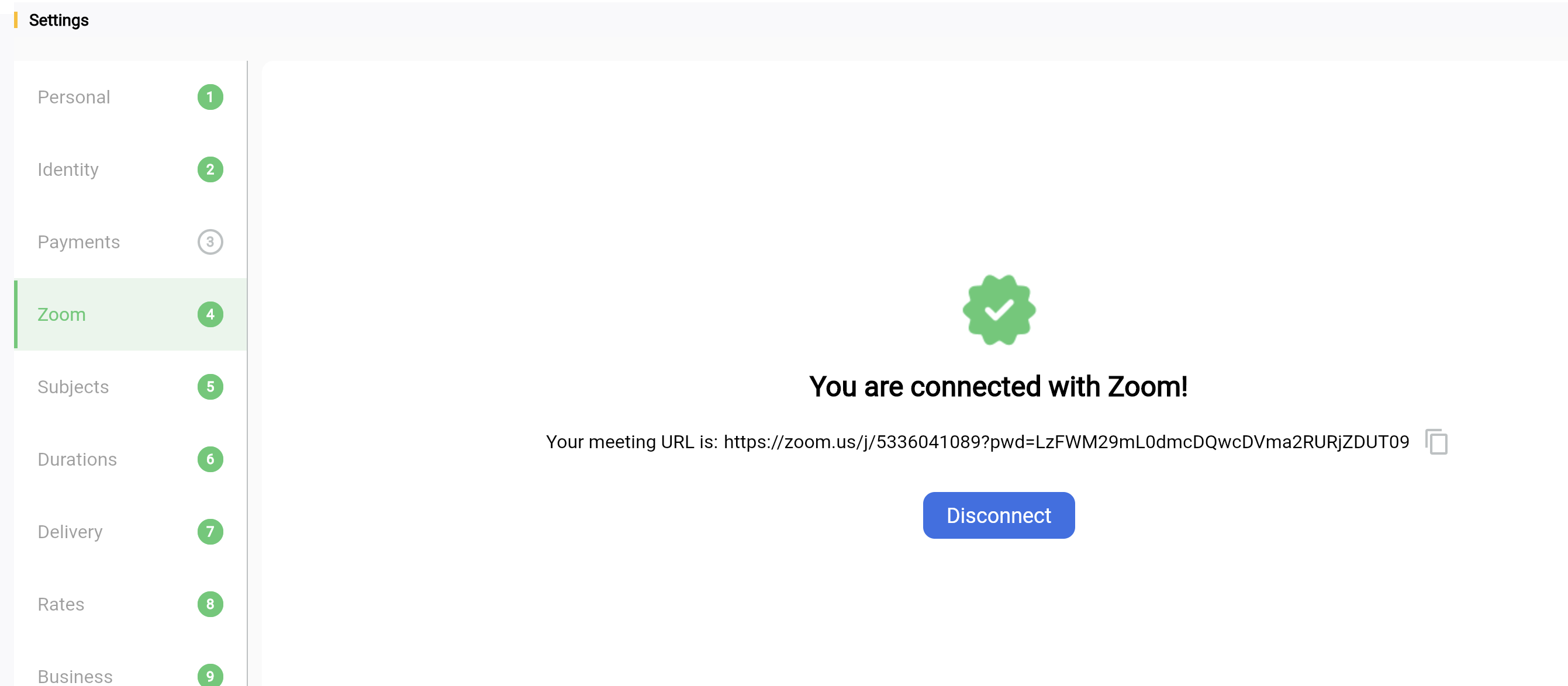
Go to Settings > Zoom
Paste your Zoom URL into the connection field.
NB: If you are adding your Zoom ID after you have already completed onboarding, you will need to add enable virtual lessons and set your times and rates accordingly in the Duration, Delivery and Rates tab