Student Onboarding
This guide is to help students onboard into Tuii.
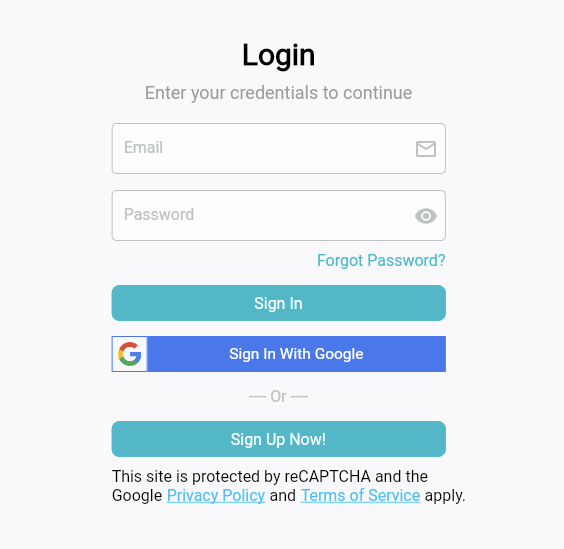
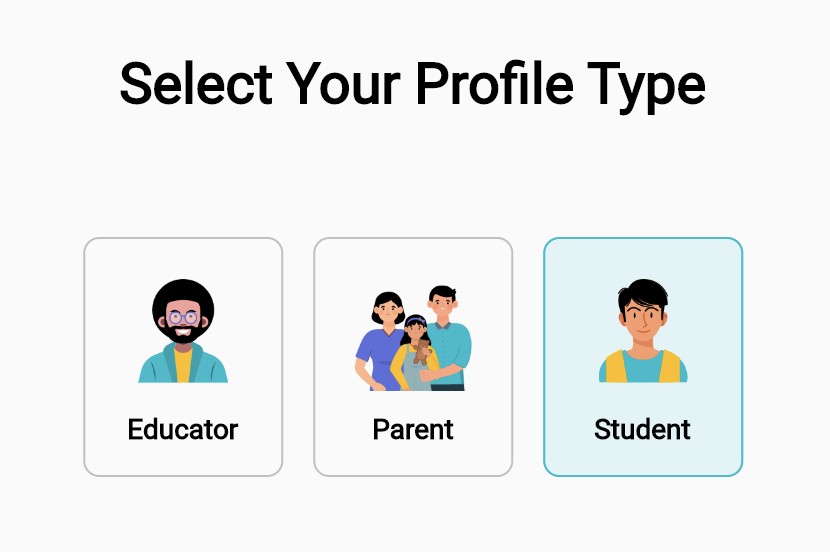
Step 2: Select your profile type (Student).
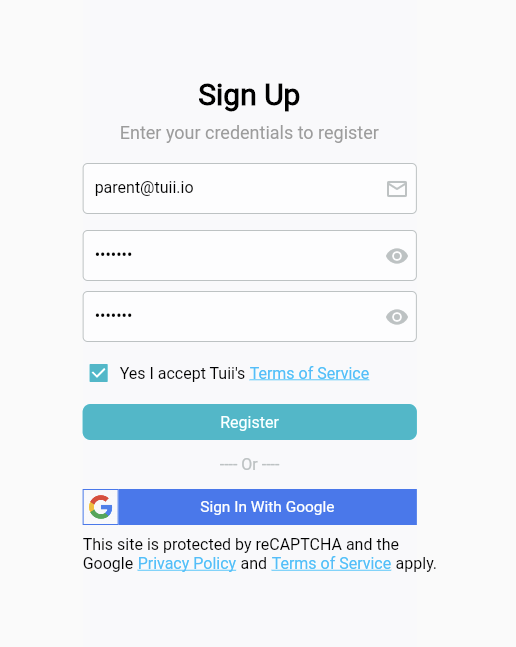
Step 3: Sign up with your email, add and confirm your password and select “Yes I accept
Tuii’s Terms of Service” and click Register.
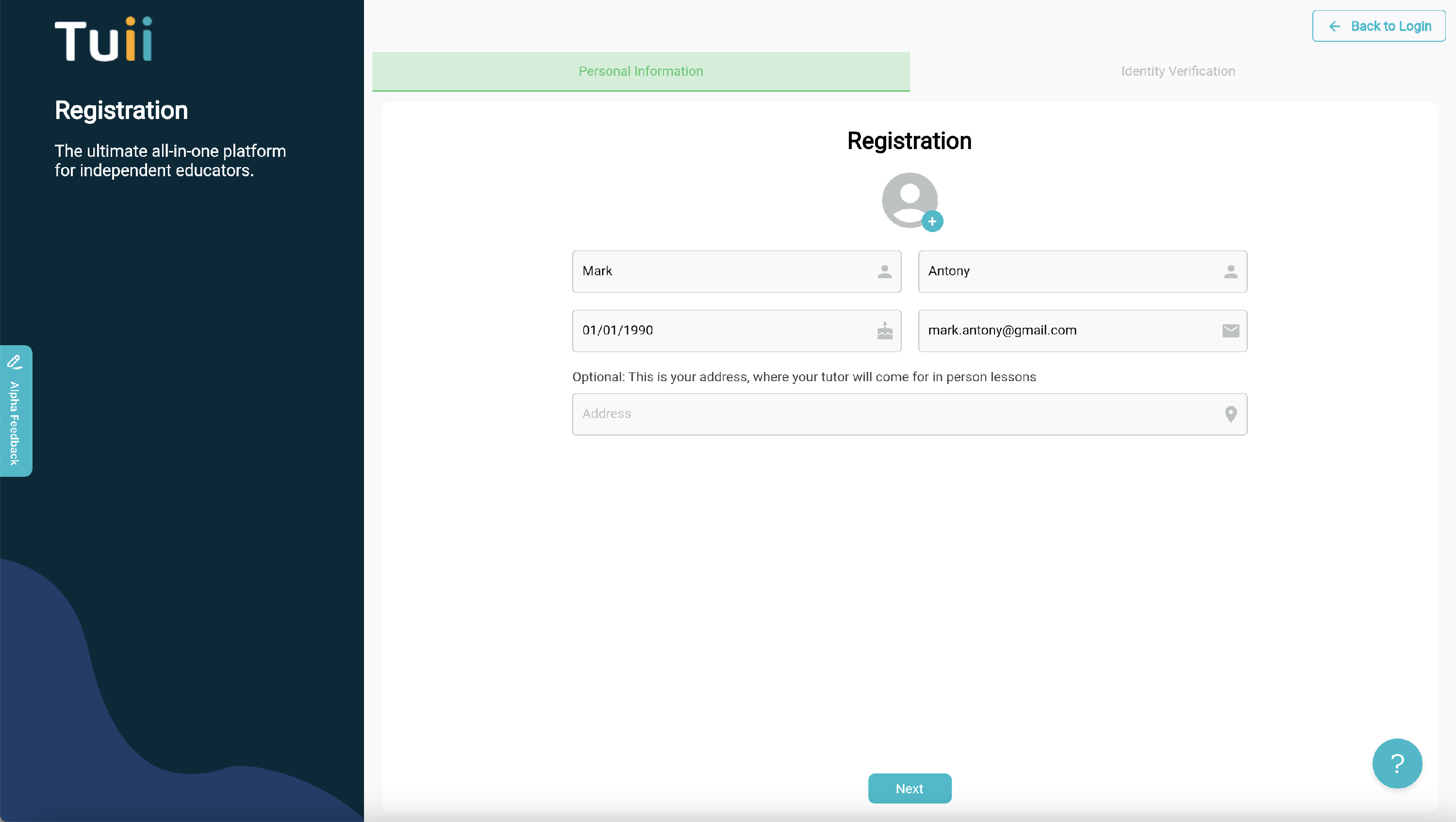
Step 4: Complete Student Registration screen.
Step 5: Check your email for email verification sent by Tuii.
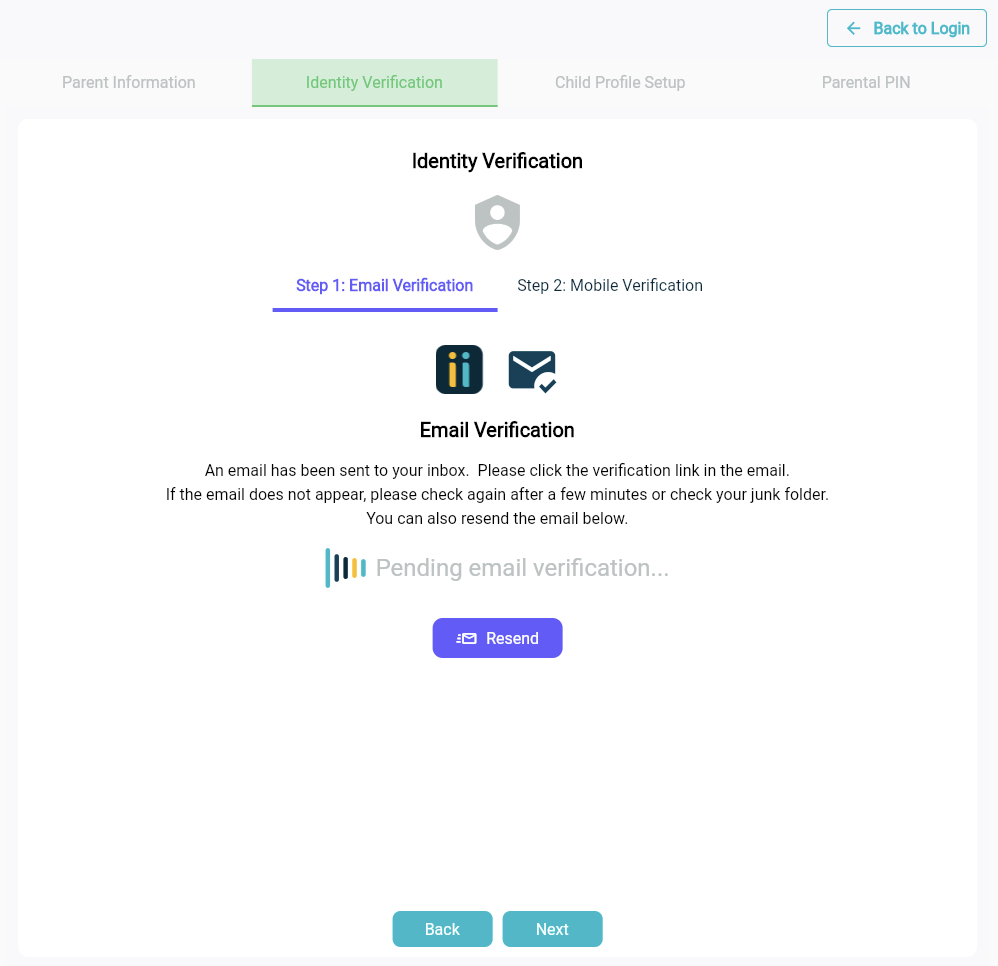
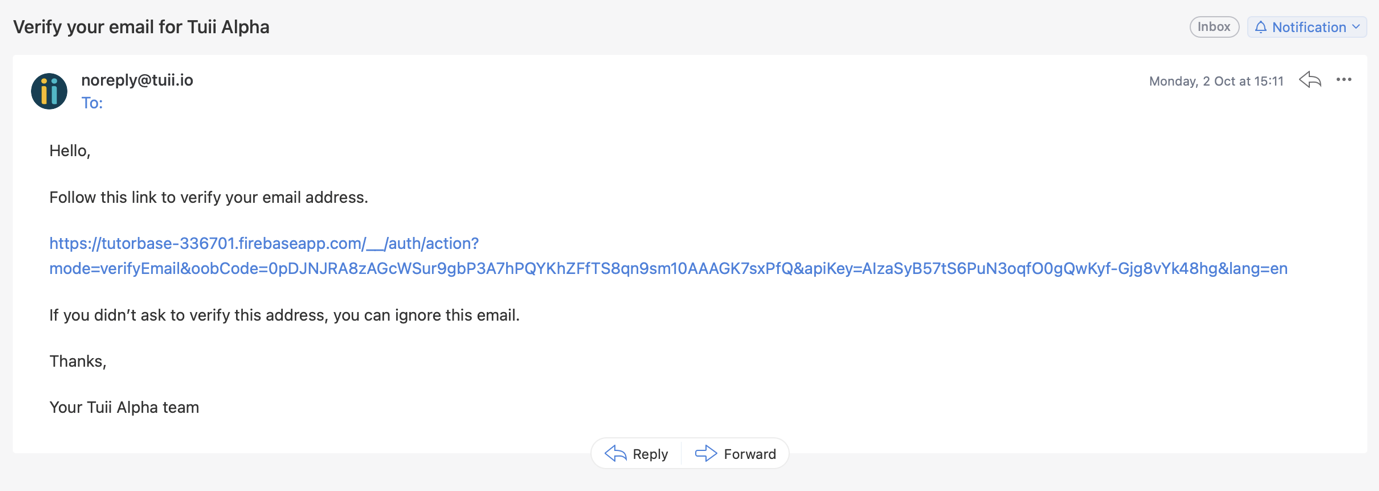
Step 8: Complete Mobile Verification by inputing the six digit number SMS'd to you by Tuii.
N.B. You must enter your password again for security purposes to complete this action.
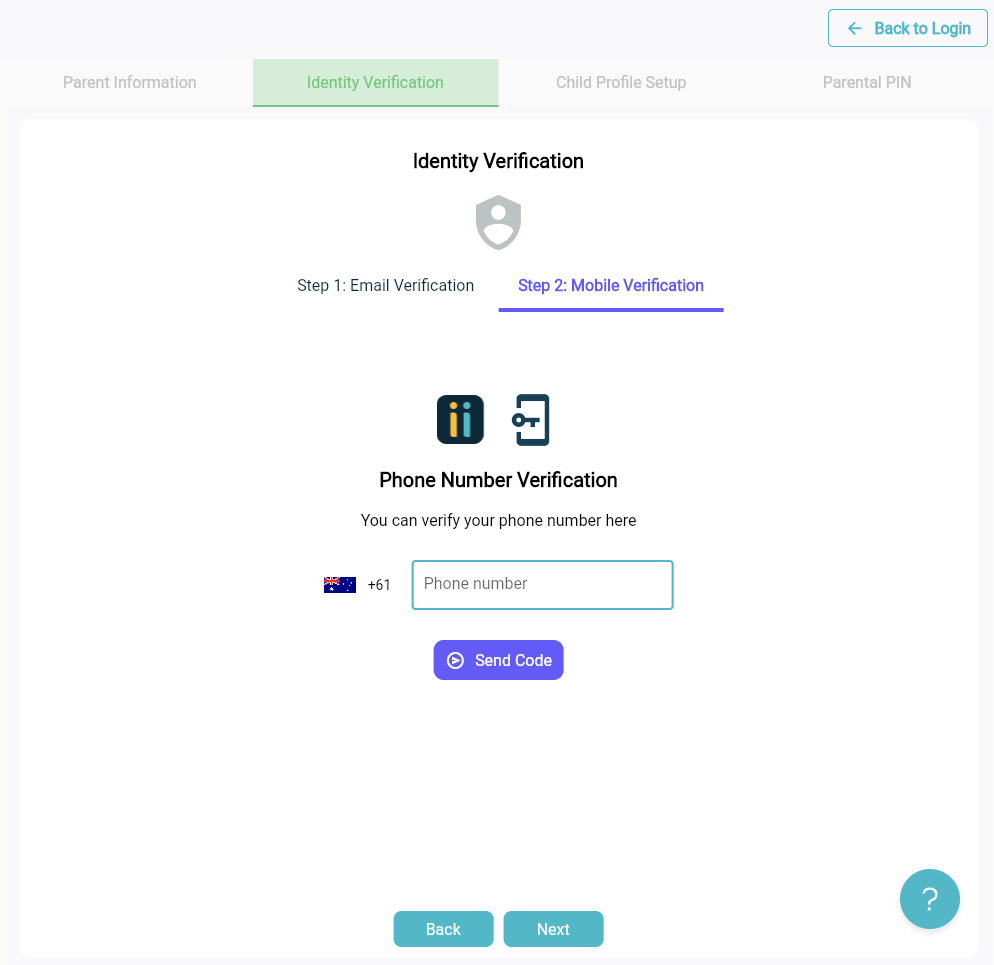
Congratulations! You are now signed in. You can now connect with your first educator.
Step 9: Ask your educator to send you their Tuii Profile URL. Once you have opened their profile URL in your browser you will be able to send them a connection request.
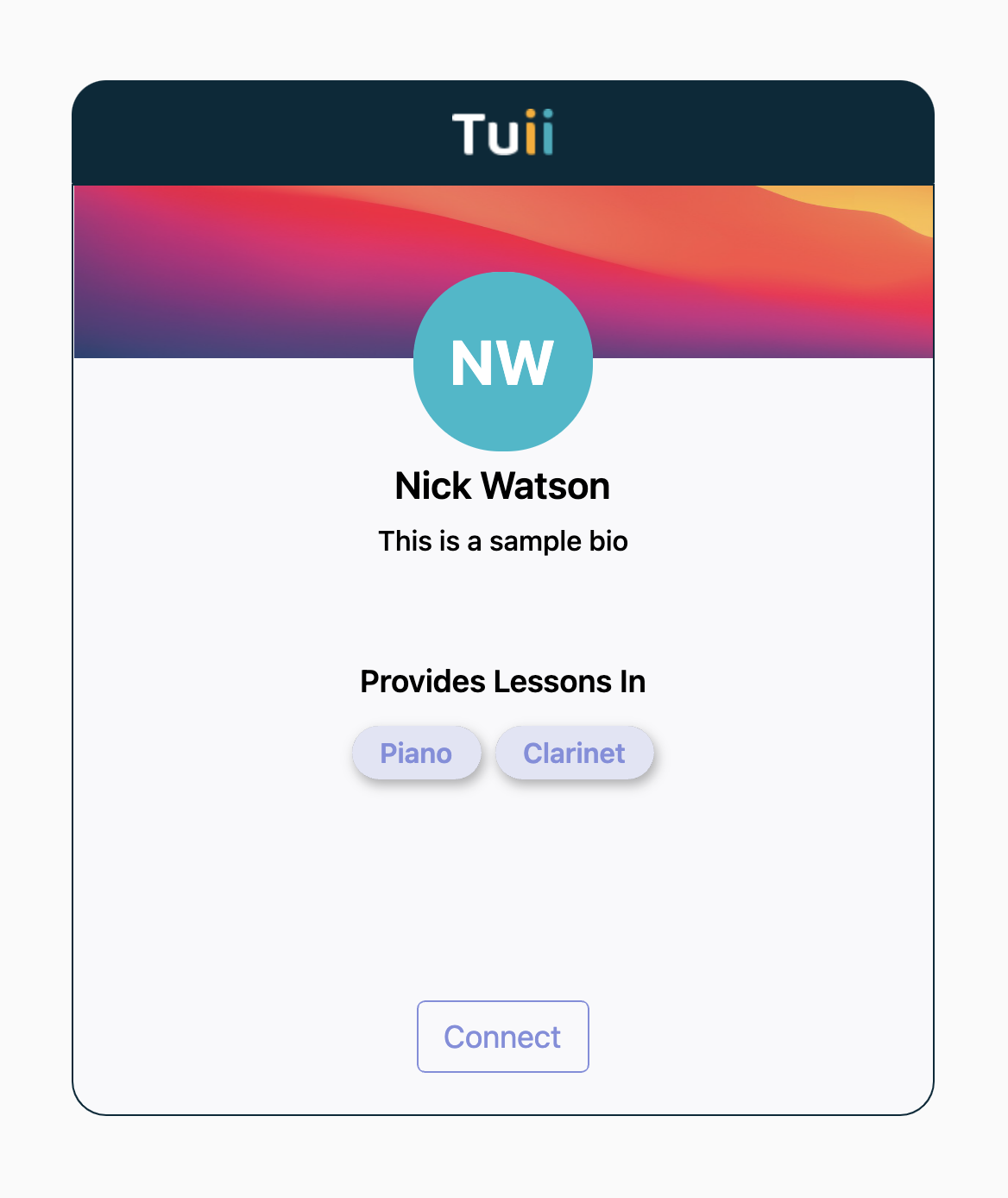
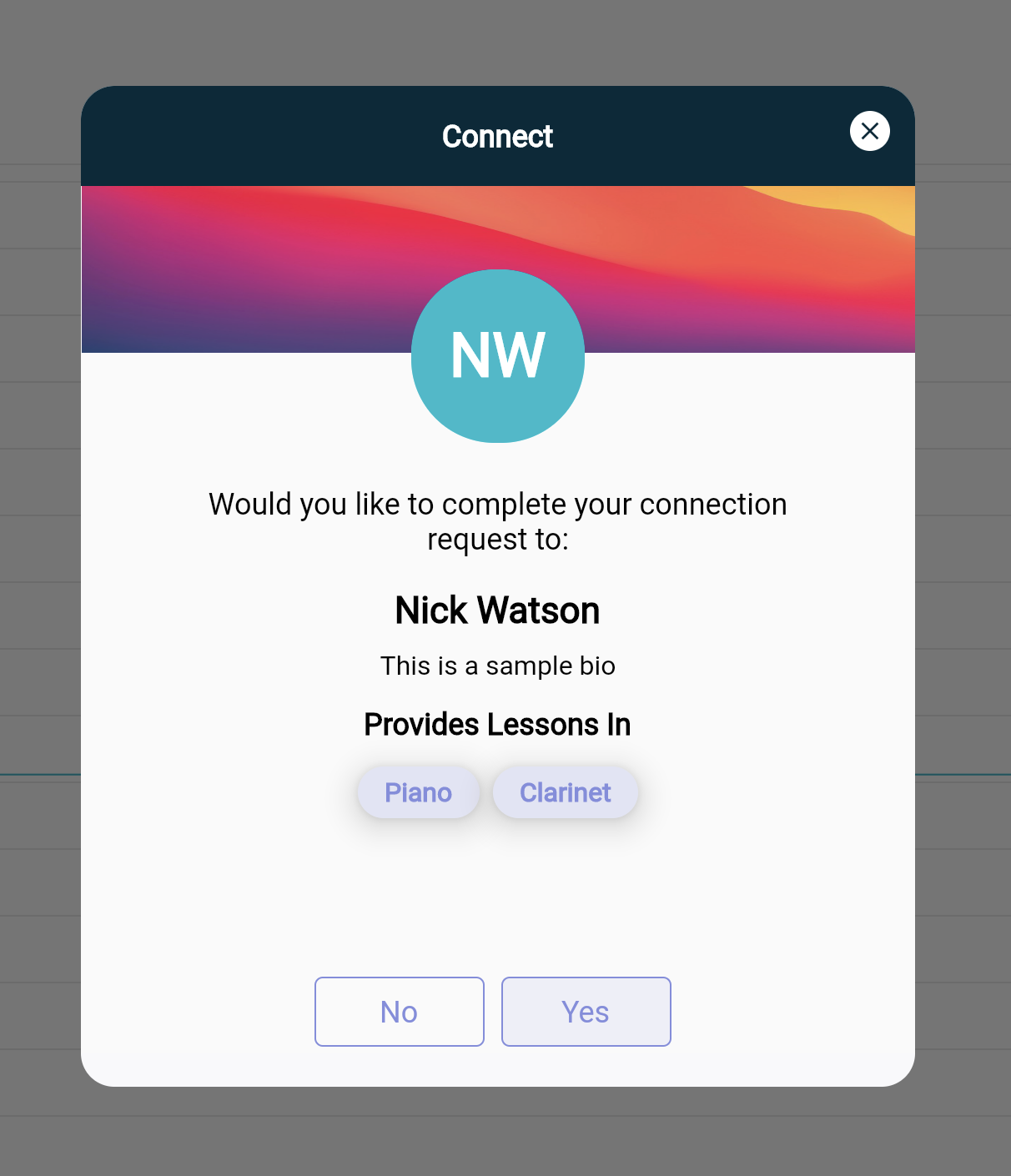
Once your educator accepts your connection request you will be able to accept and pay for Bookings and receive your first lesson.